Opening a Restaurant 2026: Digital Checklist for Founders
Open a restaurant without digital pitfalls: POS, ordering systems and apps at a glance. The complete checklist for new restaurateurs in 2026.
Are you planning to open your own restaurant? Then you’re facing a crucial decision: Do you go digital from the start or postpone the topic until “later”? Spoiler: That “later” can cost you dearly.
In this guide, I’ll show you step by step how to set up your restaurant digitally from day 1 - without falling into expensive traps or getting tangled up in commission dependencies.
Why Digitalization from the Beginning Is Crucial
The restaurant landscape has fundamentally changed. 73% of guests now expect online ordering options - and that’s just the tip of the iceberg. Contactless payment, digital menus, and app ordering are no longer “nice-to-have” but standard.
Here are the hard facts:
- Retrofitted digitalization costs 40% more than systems planned from the beginning
- Restaurants without online presence lose an average of 20% potential revenue
- Implementation time reduces from 8-12 weeks to 2-3 weeks for new openings
A practical example: The restaurant “Zur Alten Post” in Munich opened in 2023 initially only with traditional cash registers and paper orders. After three months, they had to realize that the competition with online ordering generated significantly more delivery revenue. The subsequent conversion cost them €5,200 and 6 weeks of revenue losses.
The competitive advantage is real: While established restaurants often still struggle with outdated systems, you as a new founder can score points from the start with the most modern technology.
The 5 Digital Must-Haves for Your New Restaurant
Let’s get concrete. These five areas must be digitized before you serve your first guest:
1. Modern POS System with Cloud Connection
Forget the old cash register. A cloud-based POS system is your control center:
| Traditional Register | Digital POS System |
|---|---|
| 5-8 min. per checkout | 30 sec. automatic |
| 15% input errors | <1% error rate |
| No reporting | Live analytics |
| Local data only | Accessible everywhere |
2. Online Ordering System and Own Restaurant App
This is where the wheat separates from the chaff. You have two options:
- Platforms like Lieferando: Quick, but 15-30% commission + no own customer data
- Own system: Higher initial investment, but 100% of profits stay with you
3. Digital Accounting Integration
Time-saving example: Manual accounting costs you 15 hours per month. With automatic integration, it’s only 2 hours. At an hourly wage of €25, you save €325 monthly - just through automation.
4. Inventory Management System
Automatic inventory management prevents expensive over- or under-ordering. Restaurants with digital inventory management systems reduce their food waste by an average of 23%.
5. Digital Payment Processing
Card payment, Apple Pay, Google Pay - all of this must work seamlessly. 68% of guests under 35 only pay cashless.
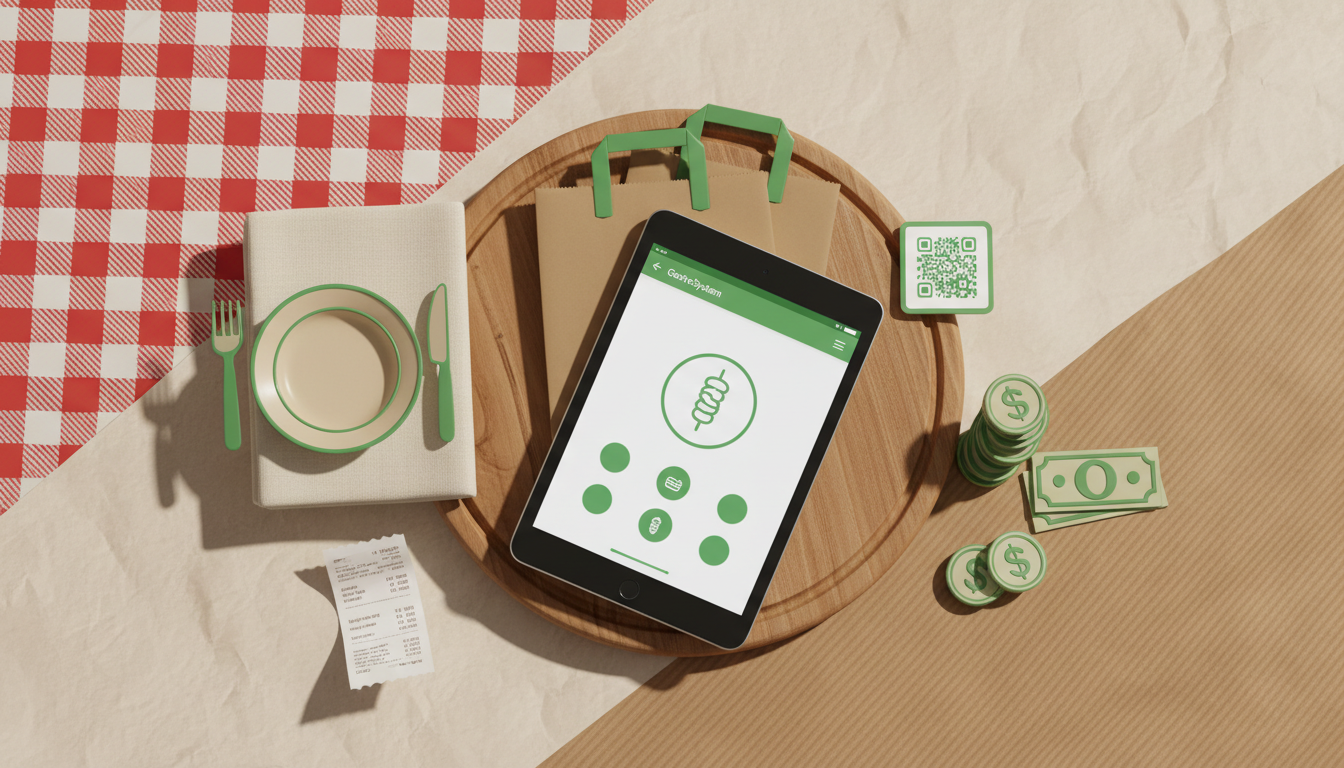
A system like GastroSystem integrates all these areas in one solution - without hidden commission costs. This saves you the tedious task of piecing together different providers.
Avoiding Cost Traps: What Restaurateurs Must Consider When Choosing Providers
Now it gets critical. The restaurant software industry is full of cost traps that can hit new founders particularly hard:
The 8 Most Common Hidden Cost Traps:
- Commission overload: 15-30% with Lieferando, Uber Eats & Co.
- Setup fees: Up to €500 for “installation”
- Transaction fees: €0.15-0.30 per order additionally
- Minimum contract terms: 24-36 months without cancellation option
- Hardware leasing: Overpriced terminals for €80-120/month
- Support fees: Paid phone support
- Update costs: New features only for extra charge
- Data export fees: Your own data costs extra
Want a calculation example? With €5,000 delivery revenue per month, you pay with Lieferando:
- 15% commission = €750
- Plus marketing costs = €200
- Total: €950 monthly
That’s €11,400 per year just for platform usage!
Long-term Contracts vs. Flexible Solutions
My advice: Avoid long contract terms in the first two years. Why? Because you first need to learn what your restaurant really needs. Flexible monthly rates are worth their weight in gold initially.
Own App vs. Third-party Platforms: The Customer Data Factor
This is where you decide whether you become an independent restaurateur or a dependent platform worker.
The naked numbers:
- Repeat purchase rate with own app: 65%
- Repeat purchase rate with Lieferando: 23%
- Customer Lifetime Value: Own customers are 3x more valuable
Why own apps are more profitable long-term:
- You own the customer data - no dependency on platforms
- Direct marketing possible - Push notifications, newsletters, loyalty programs
- Zero commission costs - every euro of revenue belongs to you
- Individual design - your brand, your rules
“I wish I had focused on my own app from the beginning. The €2,000 investment would have paid for itself through saved commissions after just 3 months. Instead, I paid €800 monthly to Lieferando for two years.” - Marcus Weber, owner of “Webers Wirtshaus” in Hamburg
Marketing Opportunities with Own App:
- Geo-push messages: “20% discount for neighbors within 500m radius”
- Loyalty programs: “Every 10th pizza free”
- Event marketing: “Live music tonight - reserve table?”
- Weather-based offers: “Rainy day menu with free delivery”
Step-by-Step: Your Restaurant Digitalization in 30 Days
Here’s your concrete roadmap:
Week 1-2: Basic Equipment and POS System
Day 1-3: Provider Research
- Compare at least 3 POS systems
- Request test installations
- Create cost calculations
Day 4-7: Acquire Hardware
- Order POS hardware
- Tablet/smartphone for orders
- Set up internet connection
Day 8-14: System Setup
- Configure POS system
- Enter menu digitally
- Configure tax settings
- Set up employee access
Week 3-4: Online Ordering and App Setup
Day 15-21: Online Presence
- Set up ordering system
- Define delivery zones
- Activate payment methods
- Configure opening hours
Day 22-28: Testing and Training
- Conduct complete test orders
- Employee training
- Define emergency procedures
Day 29-30: Soft Opening
- Test phase only for digital channels
- Friends and family as test group
- Final optimizations
Your Complete 30-Day Checklist:
Week 1:
- POS system provider selected
- Hardware ordered
- Accounting software integrated
- Basic configuration completed
Week 2:
- Menu completely entered
- Prices and taxes configured
- First test bookings conducted
- Backup systems established
Week 3:
- Online ordering system activated
- Payment processing tested
- Delivery conditions set
- Marketing materials created
Week 4:
- Complete system tests
- Employees trained
- Soft opening conducted
- Go-live preparation
ROI of Digitalization: When the Investment Pays Off
Let’s calculate. An average restaurant digitalization costs between €1,500 and €4,000. Sounds like a lot? It’s not.
ROI Calculation Using GastroSystem Example (€299/month):
Cost per year: €3,588
Saved commissions (with €8,000 online revenue/month):
- Lieferando commission (20%): €1,600/month = €19,200/year
- Savings: €15,612 annually
Additional cost savings:
- Automated accounting: €325/month = €3,900/year
- No billing errors: approx. €200/month = €2,400/year
- Optimized inventory management: €400/month = €4,800/year
Total savings year 1: €26,712 Investment: €3,588 Net profit: €23,124
Amortization occurs after an average of 6-8 weeks.
Case Study: Restaurant “Da Vinci” in Berlin
- Before: Cash only, phone orders, manual billing
- After: Fully digital system since opening
- Result: 35% more revenue in the first 6 months
- Online share: 45% of total revenue
- Personnel costs: 8 hours/week less through automation
“Digitalization was the best investment of my life. While other restaurants still struggle with paperwork, I can focus on cooking,” says owner Giovanni Rossi.
Common Beginner Mistakes and How to Avoid Them
After 200+ restaurant consultations, I know the typical pitfalls:
Top 7 Digitalization Mistakes of New Restaurants:
- “We’ll do that later” - Costs double when done afterwards
- Choosing cheapest solution - Leads to expensive corrections
- Cobbling together different providers - Data silos and extra work
- Neglecting employee training - 40% of system errors are due to inadequate training
- No backup plans - What if the internet fails?
- Commission platforms as main channel - Dependency instead of independence
- Not securing data - Customer data is worth gold
Cost Example for Retroactive Conversion:
Restaurant “Goldener Hirsch” had to convert after 8 months:
- New hardware: €2,200 (old unusable)
- Data migration: €800
- Training costs: €600
- Revenue loss (3 days): €1,400
- Total costs: €5,000
With digitalization from the beginning: €2,800 - Additional costs: €2,200
What an experienced restaurateur would do differently today:
“If I were to open a restaurant again, my first meeting wouldn’t be with the interior designer, but with a digital expert. Technology is the backbone of the business - not beautiful wallpaper.” - Sarah Müller, 3 restaurants in Frankfurt
Your Next Step: From Planning to Implementation
You now have complete knowledge for successful restaurant digitalization. The difference between successful and struggling restaurants often lies only in implementing these basics.
My recommendation: Start immediately with provider research. The sooner you decide on a system, the more relaxed your opening phase will be.
If you want to save yourself the effort of cobbling together different systems: GastroSystem offers all mentioned features in one solution for €299 monthly - without commissions, without hidden costs, without minimum contract term.
The first 30 days are free so you can test in peace whether the system fits your concept.
Here you can try GastroSystem free for 30 days →
Remember: Every day without a digital system is a day you’re losing money and guests to the digitally equipped competition. Your restaurant deserves the best start - from day 1.